The idea in one sentence
Create a gallery, put FTP on the camera, shoot. Photos edit on the server. Guests see them on the link, on their phone, in minutes.
Camera → FTP → server (auto edit) → live gallery → guest phone
1
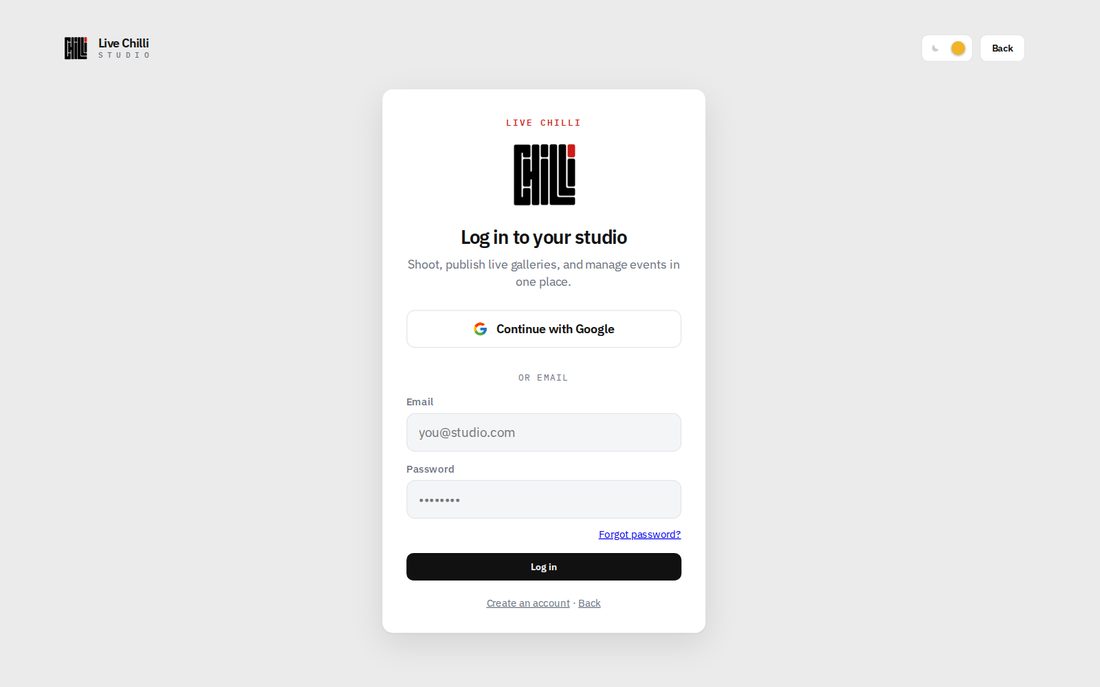
Create an account and log in
- →livechilli.com
- →Create account
- →Confirm email
- →Log in → Workspace
Log in screen
2
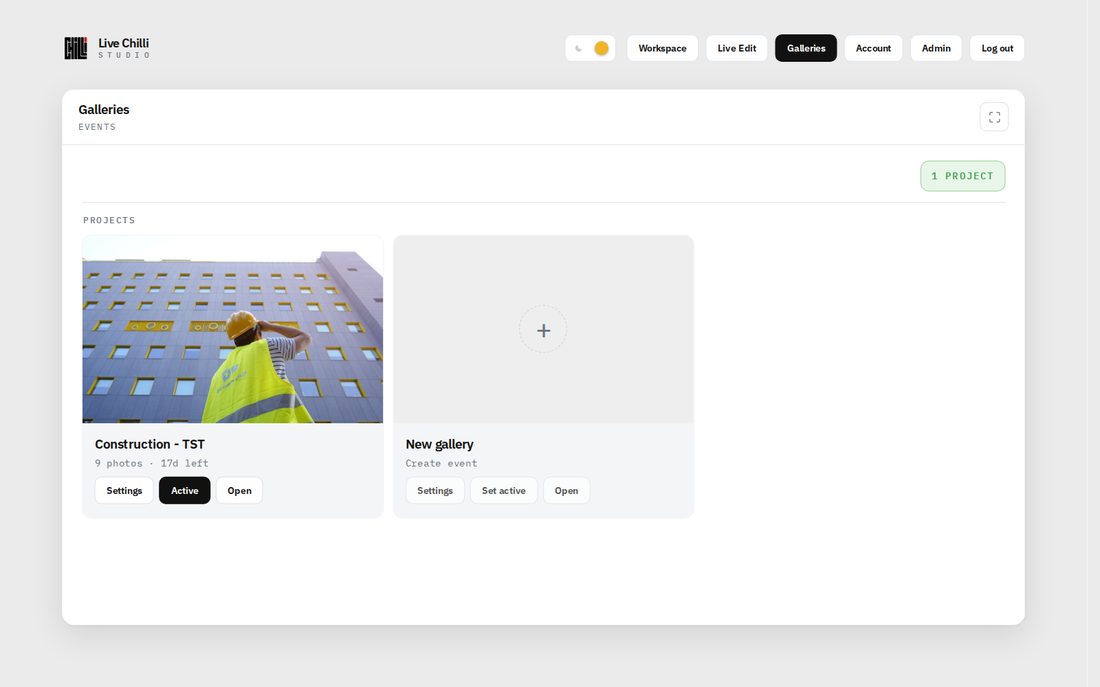
Create a gallery (the event)
- →Menu → Galleries → New gallery
- →1 event = 1 gallery = 1 link
- →Set gallery to Active (new photos land here)
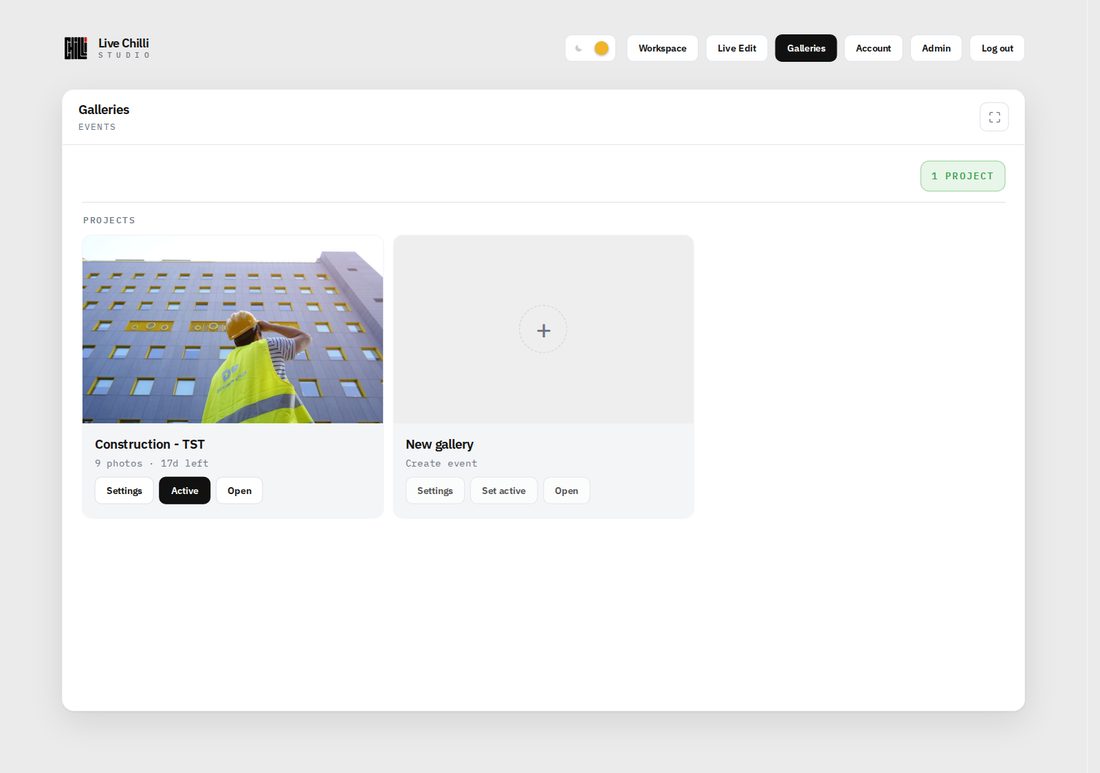
Galleries · New gallery
3
Copy FTP details from Workspace
- →Menu → Workspace → Camera FTP
- →Copy: Host · Port · Username · Password · Directory
- →Paste on camera (or Wi‑Fi transmitter)
- →Camera folder: / (or empty)
Workspace · Camera FTP
4
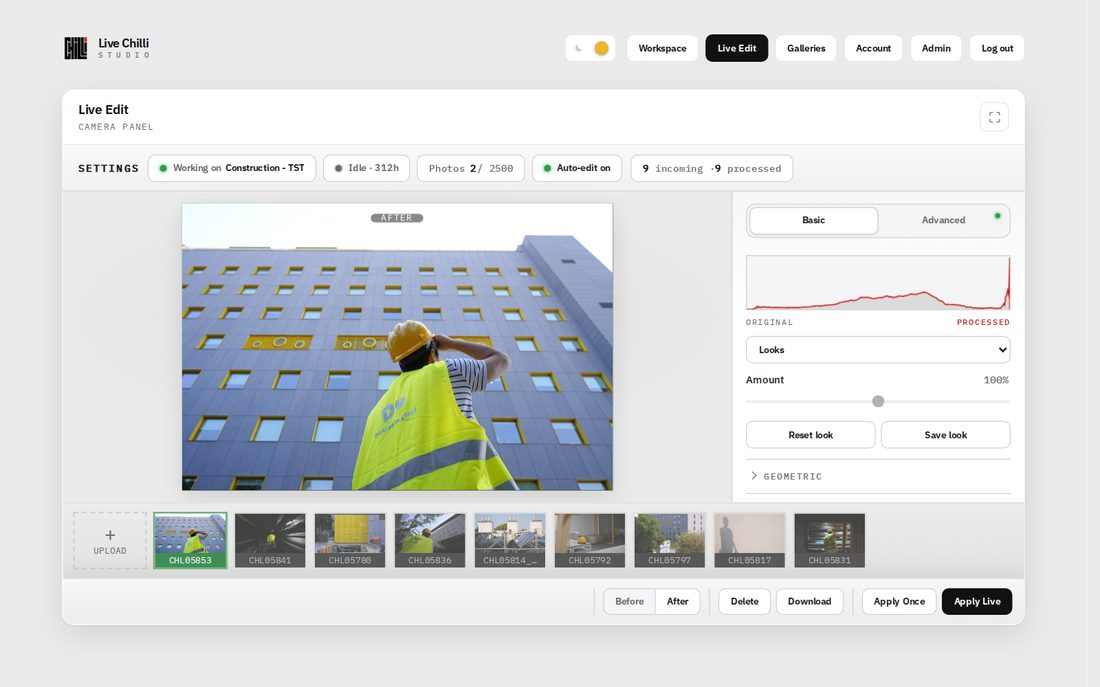
Dial the look in Live Edit
- →Menu → Live Edit
- →Set your look
- →Press Apply Live
- →New FTP photos get that look + go to Active gallery
Apply Live = new FTP photos · Apply Once = this frame only
Live Edit · Apply Live (bottom right)
5
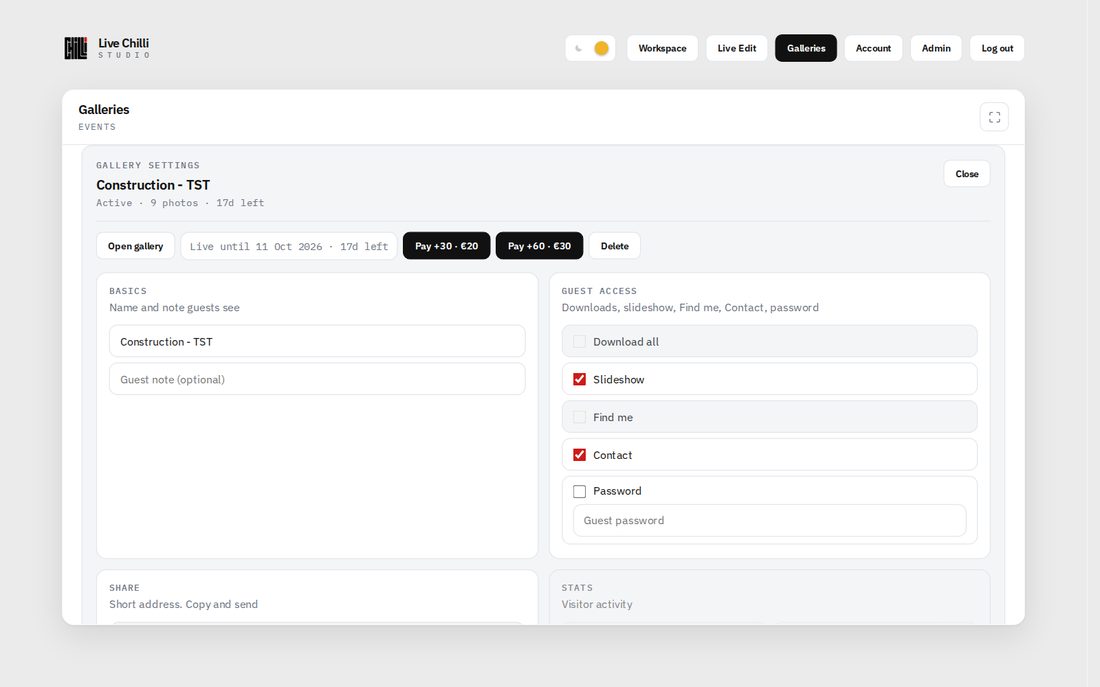
Set guest access (optional)
- →Galleries → Settings on the event
- →Slideshow · Contact · Password · Find me · Download all
- →Contact button = fill Account → Contact first
Gallery settings · Guest access
6
Send the link. Guests see photos live
- →Galleries → Share
- →Easy link / Secret link + QR
- →Guest opens on phone → live mosaic
- →New photos appear as they upload
Share · link and QR
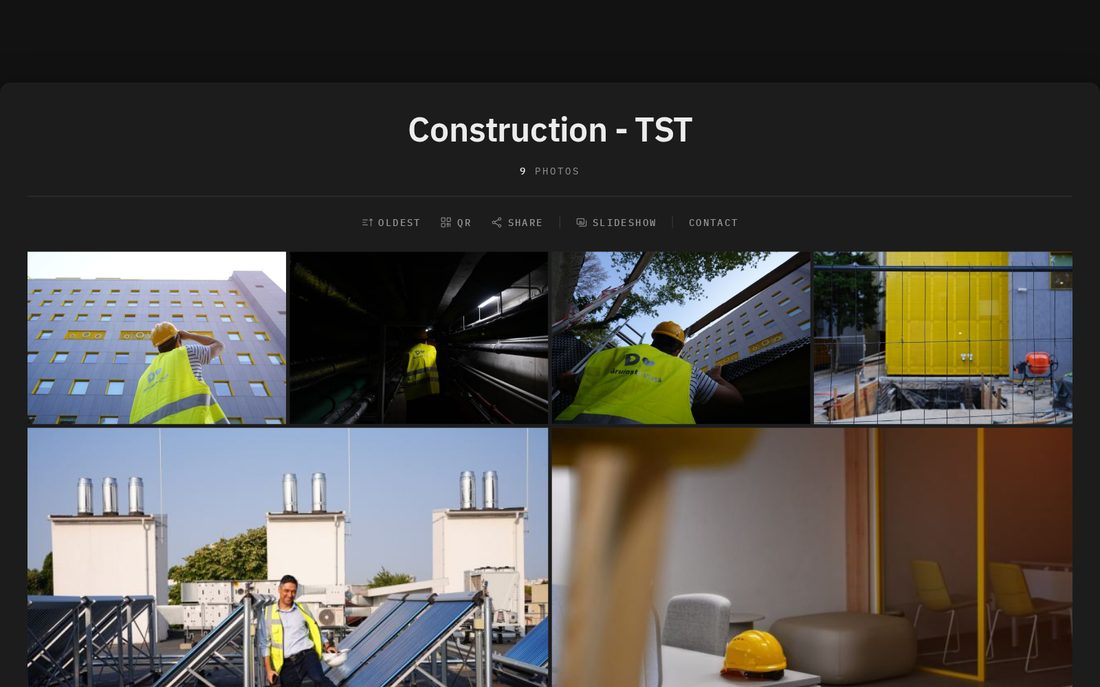
Guest view on phone / browser
Checklist before the event
- ✓Account + gallery + Active
- ✓FTP on camera · test 1 Protected frame
- ✓Apply Live with your look
- ✓Link / QR saved for client
- ✓Stable internet on site
If something is wrong
- →Nothing uploads? FTP + Workspace password + network
- →Uploads but not on link? Gallery Active? Apply Live?
- →Wrong link? Galleries → Share → copy again
Ready when you are
Log in and create your first gallery. Questions: hello@livechilli.com
 Live Chilli